
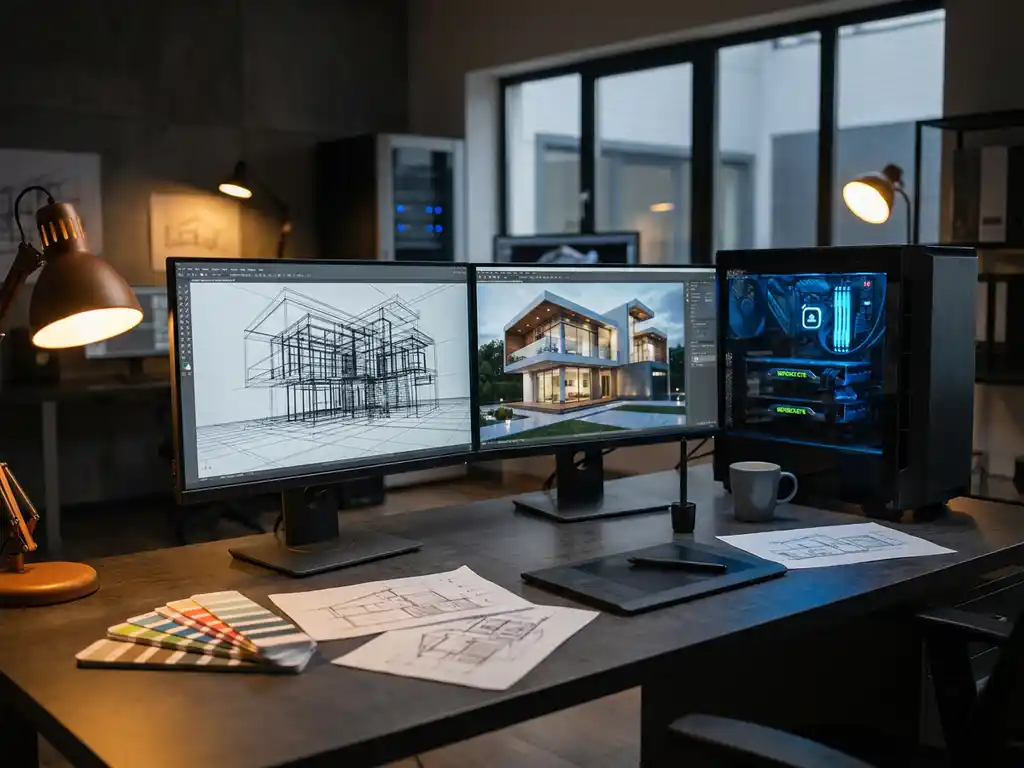
3D rendering is the computational process of creating photorealistic images from three-dimensional models using specialized software and hardware. This technology transforms digital wireframes and textures into stunning visual representations that are virtually indistinguishable from traditional photography. For businesses in the design and manufacturing sectors, 3D rendering has become essential for product visualization, marketing materials, and customer engagement without the constraints and costs of physical photography.
Why are slow rendering times costing you competitive advantage?
When your 3D rendering workflow takes hours or days to produce a single high-quality image, you’re losing market opportunities faster than you realize. While competitors launch new product variants and marketing campaigns, your team waits for renders to complete, missing crucial launch windows and customer demands. This bottleneck doesn’t just delay projects—it forces you to compromise on visual quality or limit product configurations, directly impacting your ability to showcase premium products effectively. The solution lies in optimizing your hardware setup and choosing rendering software that balances quality with speed, enabling rapid iteration and faster time-to-market.
What does poor visual quality signal about your rendering approach?
Grainy textures, unrealistic lighting, and artificial-looking materials in your 3D renders immediately signal to customers that your digital presence doesn’t match your product quality. This disconnect undermines brand trust and reduces conversion rates, particularly for luxury and design-focused products where visual excellence directly correlates with perceived value. Poor rendering quality often stems from inadequate hardware specifications, incorrect software settings, or insufficient technical expertise in materials and lighting setup. Investing in professional-grade rendering capabilities and proper training transforms these visual weaknesses into competitive strengths that accurately represent your products’ premium positioning.
Visual Commerce Solutions
Talk to our team about your project.
What is 3D rendering and why is it important?
3D rendering is the process of converting three-dimensional computer models into two-dimensional images or animations through complex mathematical calculations. This technology simulates how light interacts with surfaces, materials, and environments to create photorealistic visuals that can replace traditional photography in many applications.
The importance of 3D rendering extends far beyond simple visualization. For product manufacturers and retailers, it enables the creation of unlimited product variations without physical prototypes or expensive photoshoots. Marketing teams can generate consistent, high-quality visuals across all channels, while sales teams can demonstrate product customizations in real-time. Industries ranging from automotive and furniture to architecture and entertainment rely on 3D rendering to communicate design concepts, test ideas, and create compelling visual content that drives customer engagement and sales.
What hardware do you need for 3D rendering?
Professional 3D rendering demands robust hardware components that can handle intensive computational tasks. The graphics processing unit (GPU) serves as the most critical component, with modern NVIDIA RTX or AMD Radeon cards providing the parallel processing power necessary for real-time rendering and GPU-accelerated workflows.
A powerful central processing unit (CPU) with multiple cores supports complex scene calculations and handles tasks that complement GPU rendering. Professional setups typically require at least 32GB of RAM, though 64GB or more becomes necessary for complex scenes with high-resolution textures. Fast storage solutions, particularly NVMe SSDs, reduce loading times for large 3D files and texture libraries. Additionally, color-accurate monitors ensure that rendered images display correctly, maintaining consistency between digital previews and final output.
Which software is best for 3D rendering?
The choice of 3D rendering software depends on your specific needs, budget, and technical requirements. Industry-standard options include Autodesk Maya and 3ds Max, which offer comprehensive modeling and rendering capabilities suitable for professional production environments. Blender provides a powerful, open-source alternative that has gained significant traction in recent years.
For product visualization specifically, specialized software like KeyShot excels at creating photorealistic materials and lighting setups with minimal technical complexity. Cinema 4D offers excellent integration with design workflows, while V-Ray and Corona Renderer serve as popular rendering engines that integrate with multiple 3D applications. Cloud-based rendering services have also emerged, allowing smaller teams to access high-end rendering capabilities without significant hardware investments. The best choice balances your quality requirements, technical expertise, and budget constraints.
How long does 3D rendering typically take?
Rendering times vary dramatically based on image complexity, quality settings, and hardware specifications. Simple product renders might complete in minutes on modern hardware, while complex architectural visualizations or highly detailed product configurations can require several hours per image.
Several factors influence rendering duration: scene complexity, lighting setup, material quality, output resolution, and anti-aliasing settings all impact processing time. Real-time rendering technologies and GPU acceleration have significantly reduced these timeframes, with some applications now producing high-quality results in seconds rather than hours. For commercial applications, finding the optimal balance between quality and speed becomes crucial, as faster rendering enables more iterations and responsive customer interactions in product configuration scenarios.
What skills do you need to create professional 3D renders?
Creating professional 3D renders requires a combination of technical proficiency and artistic vision. Understanding 3D modeling fundamentals provides the foundation for creating accurate digital representations of products or environments. Material creation and texturing skills ensure that surfaces appear realistic and match real-world properties.
Lighting knowledge proves essential for creating convincing renders, as proper illumination makes the difference between amateur and professional results. Color theory and composition principles guide the creation of visually appealing images that effectively communicate design intent. Technical skills include understanding rendering settings, optimization techniques, and post-processing workflows. Additionally, staying current with software updates and industry trends ensures that your rendering capabilities remain competitive in a rapidly evolving field.
How 3Dimerce helps with 3D rendering
We specialize in delivering high-end 3D product visualization that eliminates the complexity and resource requirements typically associated with professional rendering. Our comprehensive platform provides:
- Blazing-fast rendering performance that produces stunning visuals in real-time, enabling immediate customer interaction and configuration
- Professional-grade visual quality with perfectly irregular contours, natural lighting, and touchable textures that bring luxury products to life
- Seamless integration capabilities that work across all devices and sales channels without requiring extensive technical expertise
- Scalable SaaS solution that grows with your product range while maintaining consistent visual excellence
Our platform transforms the traditional challenges of 3D rendering into competitive advantages, allowing design-focused brands to showcase their products with the visual sophistication they deserve. Ready to experience how professional 3D rendering can elevate your product presentation? Contact our team to discover how we can enhance your visual product experience.
Frequently Asked Questions
How can I determine if my current hardware is sufficient for professional 3D rendering?
Run benchmark tests using your target rendering software with typical project files to assess performance. If renders take longer than 30 minutes for standard product images, or if you experience frequent crashes or memory errors, it’s time to upgrade. Monitor GPU and CPU usage during rendering—consistent 100% utilization with long completion times indicates hardware limitations.
What's the most cost-effective way to get started with 3D rendering for small businesses?
Begin with cloud-based rendering services or SaaS platforms that eliminate upfront hardware costs and provide professional results immediately. This approach allows you to test 3D rendering’s impact on your business before investing in expensive hardware. Many platforms offer pay-per-render or subscription models that scale with your needs.
How do I avoid common lighting mistakes that make renders look artificial?
Use HDRI environment lighting for realistic reflections and natural illumination instead of relying solely on artificial light sources. Avoid overly bright or perfectly even lighting—real-world lighting has variations and shadows that add authenticity. Study reference photography of similar products to understand how light naturally interacts with your materials and surfaces.
What file formats and settings should I use for different marketing channels?
For web use, render at 1920×1080 or higher in JPEG format with 85-90% quality for optimal file size. Print materials require higher resolution (300 DPI) and should be saved as TIFF or PNG to preserve quality. Social media platforms have specific aspect ratio requirements—create templates for common formats like 1:1 for Instagram and 16:9 for YouTube thumbnails.
How can I speed up my rendering workflow without sacrificing quality?
Use lower quality settings for preview renders during the design process, then switch to high quality only for final outputs. Implement render regions to test lighting and materials on small portions of your scene first. Consider using denoising features in modern rendering engines, which allow you to use fewer samples while maintaining clean results.
What should I do if my renders don't match the actual product colors?
Calibrate your monitor using a hardware calibration device to ensure accurate color representation. Use physically-based materials with real-world color values rather than guessing RGB values. Create a color reference workflow by photographing actual product samples under controlled lighting and matching your digital materials to these references.
How do I handle complex product configurations and variations efficiently?
Set up parametric models where materials, colors, and components can be easily swapped without rebuilding the entire scene. Create material libraries with consistent naming conventions and organize assets in a structured folder system. Consider using batch rendering features to automatically generate multiple variations overnight, maximizing your hardware utilization.