
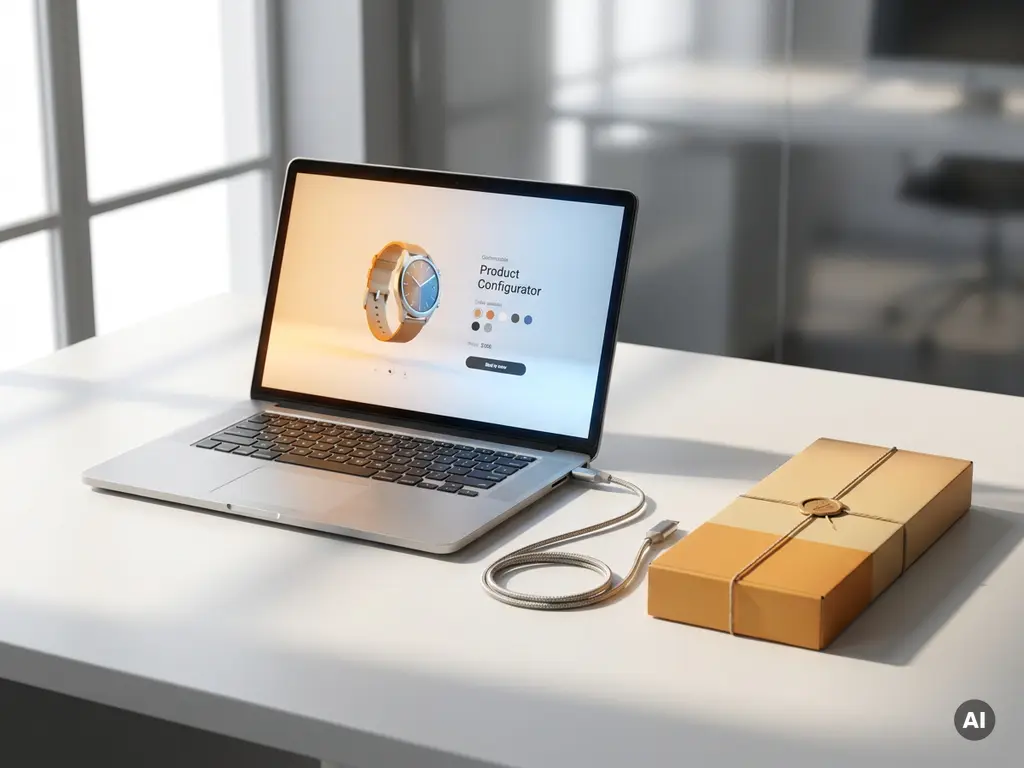
Integrating sales automation software with your webshop means connecting tools like a CPQ tool, CRM, or order management system to your online store through an API or middleware layer, so that product data, pricing, and customer interactions flow automatically between systems. Most modern webshop platforms support this through native connectors, plugin ecosystems, or headless API-based integration. This article walks through the key questions you need answered before you start.
What types of sales automation software can connect to a webshop?
The most common types of sales automation software that connect to a webshop are Configure, Price, Quote (CPQ) software, CRM platforms, ERP systems, marketing automation tools, and order management systems. Each serves a different part of the sales process, and many webshops use a combination of these working in sync.
Here is a quick overview of what each type brings to the table:
- CPQ software: automates product configuration, accurate pricing, and quote generation, especially useful for brands with complex or customizable product ranges
- CRM platforms: manage customer data, track interactions, and feed lead information back into your sales workflow
- ERP systems: connect inventory, logistics, and finance to your front-end store
- Marketing automation tools: trigger emails, retargeting, and personalized campaigns based on webshop behavior
- Order management systems: handle fulfillment, returns, and post-purchase communication automatically
For brands selling configurable or design-led products, CPQ software is often the most impactful integration. It removes the manual back-and-forth of pricing complex orders and ensures customers or sales staff always see accurate, up-to-date pricing without human error.
How does sales automation software actually connect to a webshop?
Sales automation software connects to a webshop primarily through APIs (Application Programming Interfaces), which allow two systems to exchange data in real time. Some tools also connect through pre-built plugins, middleware platforms like Zapier or Make, or direct database integrations depending on the platforms involved.
The connection typically works in one of three ways:
- API integration: your webshop and the automation tool communicate directly via REST or GraphQL APIs, exchanging product, pricing, and customer data in real time
- Middleware or iPaaS platforms: a third-party connector (like Zapier, Make, or MuleSoft) sits between the two systems and translates data without custom development
- Native plugins or extensions: many CPQ and CRM tools offer ready-made plugins for popular webshop platforms, reducing setup time significantly
The right method depends on how much flexibility you need, how complex your product data is, and what your development resources look like. API-based integrations offer the most control and are generally the best choice for brands with sophisticated product configurations or premium customer journeys.
What is headless integration and why does it matter for webshops?
Headless integration means separating the front-end presentation layer of your webshop from the back-end systems that handle data, logic, and transactions. Instead of a tightly coupled platform where the design and the database are locked together, a headless setup lets each system do what it does best, connected through APIs.
For webshops, this matters because it gives you complete freedom over the customer experience. You can build a visually rich, fast-loading front end while pulling in product data, pricing rules, and configuration logic from specialized back-end tools in real time. A CPQ tool, for example, can calculate accurate prices and generate quotes without being limited by what your webshop platform natively supports.
Headless architecture also makes it far easier to deliver consistent experiences across multiple channels, whether that is your webshop, an in-store configurator, or a mobile app. Changes to your back-end pricing logic or product catalog update everywhere at once, without rebuilding your front end each time. For premium brands managing complex product ranges across multiple markets, this kind of flexibility is a genuine competitive advantage.
Which webshop platforms support sales automation integrations?
Most major webshop platforms support sales automation integrations either natively or through their app ecosystems. Shopify, WooCommerce, Magento (Adobe Commerce), BigCommerce, and Salesforce Commerce Cloud all offer well-documented APIs and large libraries of pre-built connectors for CRM, CPQ, and ERP tools.
Platform maturity varies when it comes to more advanced integrations. Shopify and WooCommerce are strong for mid-market brands and have broad plugin ecosystems, but they can hit limitations when product configurations become highly complex. Magento and Salesforce Commerce Cloud are better suited to enterprise-level requirements where custom logic, large product catalogs, and multi-market operations are involved.
If you are running a headless setup, the platform matters less because your front end communicates with back-end tools via API regardless of which commerce engine sits underneath. This is why many design-led and high-end brands are moving toward headless or composable architectures, where the best tool for each job is chosen independently and connected through clean API layers.
What are the most common problems when integrating sales automation with a webshop?
The most common problems when integrating sales automation software with a webshop are data inconsistencies between systems, poor API documentation, performance issues caused by synchronous data calls, and scope creep during implementation. Most integration failures come down to mismatched data structures or underestimating the complexity of keeping systems in sync.
Specific issues to watch for include:
- Data mismatches: product SKUs, pricing rules, or customer records that are structured differently across systems cause sync errors and broken automations
- Latency and performance: real-time API calls that are not optimized can slow down your webshop, especially on product pages with dynamic pricing or configuration
- Maintenance overhead: every time one system updates its API, integrations can break if they are not actively maintained
- Scope creep: integration projects often expand as teams discover edge cases, leading to delays and budget overruns
- User adoption: even a technically sound integration fails if sales staff or customers find it confusing or unreliable
The best way to avoid these issues is to map your data flows thoroughly before you build, agree on a clear integration scope, and work with a partner who has done this before in your industry.
Should I use a pre-built connector or a custom integration?
Use a pre-built connector when your requirements are standard and the platforms involved support it natively. Choose a custom integration when your product logic, pricing rules, or customer journey is complex enough that off-the-shelf connectors cannot handle it without compromise.
Pre-built connectors are faster and cheaper to implement, and they are well-suited to straightforward use cases like syncing order data between a CRM and a standard webshop. However, they come with limitations. They are built for the common case, not your specific case, which means you may end up working around their constraints rather than building the experience you actually want.
Custom integrations take longer and cost more upfront, but they give you full control over how data flows between systems, how pricing logic is applied, and how the customer experience is shaped. For brands in the premium or design-led segment, where the product experience is part of the value proposition, a custom integration often pays for itself quickly in conversion uplift and reduced manual handling.
A practical approach is to start with a pre-built connector where it genuinely fits, and invest in custom development only where your requirements go beyond what the connector supports. A good integration partner will help you make that call honestly.
How 3Dimerce helps with webshop sales automation
We built our Ensemble Suite specifically for brands that cannot afford to compromise on accuracy, quality, or customer experience. Here is what that means in practice:
- Advanced CPQ software: our CPQ tool generates rapid, accurate price quotations automatically, even for highly complex product configurations, so your customers and sales team always see the right price
- Headless integration: our platform connects cleanly to your existing webshop and in-store systems via API, without forcing you to rebuild your front end
- Visual product configuration: customers configure and price products in real time, with photorealistic 3D visuals that reflect every choice instantly
- Omnichannel consistency: the same configuration logic and pricing rules work seamlessly across your webshop, in-store displays, and sales tools
- Scalable without extra cost per variant: add new products, materials, or markets without triggering a new round of photography or manual data entry
Whether you need a standalone CPQ solution or a full visual product experience platform, we have the expertise and the technology to make it work for your brand. Get in touch with us and let us show you what that looks like for your specific setup.
Frequently Asked Questions
How long does it typically take to integrate sales automation software with a webshop?
The timeline varies significantly depending on the complexity of your setup. A pre-built connector between a standard CRM and a popular platform like Shopify can be live in days, while a custom API-based integration involving CPQ logic, ERP data, and a headless front end may take anywhere from 6 to 16 weeks. The biggest time variables are data mapping, testing across edge cases, and internal sign-off processes — not the development itself. Setting a clear scope before you start is the single most effective way to keep the project on schedule.
What should I have in place before starting a sales automation integration?
Before you begin, you should have a clean, consistent product data structure, a clear map of how data needs to flow between systems, and defined ownership of each system involved. Messy or duplicated product catalogs, inconsistent SKU formats, and undefined pricing rules are the most common reasons integrations stall or fail mid-project. It also helps to identify your must-have outcomes versus nice-to-haves early, so your development scope stays focused and realistic.
Can sales automation integrations handle complex or configurable products, or are they only suited to simple catalogs?
Modern CPQ-based integrations are specifically designed for complex, configurable products — this is actually where they deliver the most value. Tools like CPQ software can handle thousands of product combinations, nested pricing rules, material options, and market-specific pricing without manual intervention. Simple catalog integrations are straightforward, but if your products involve custom configurations, dimensions, or materials, a CPQ-powered integration is far more capable than a standard connector and pays for itself quickly in reduced quoting errors and faster sales cycles.
Will integrating sales automation software slow down my webshop?
It can, if the integration is not architected carefully. The most common culprit is synchronous API calls on product or pricing pages, where the webshop waits for a response from an external system before rendering content. This is avoidable through techniques like caching, asynchronous data fetching, and pre-computing pricing logic rather than calculating it live on every page load. A well-built integration should be invisible to your customers in terms of performance — if anything, it should make the experience faster and more accurate than manual processes.
What happens to my integration when one of the connected platforms releases a major update?
This is one of the most underestimated ongoing costs of integration work. When a platform updates its API — changing endpoints, deprecating fields, or introducing new authentication requirements — any integration that relies on those endpoints can break. Pre-built connectors are usually maintained by their vendors and updated accordingly, though sometimes with a lag. Custom integrations require active monitoring and maintenance from your team or integration partner. Building with versioned APIs and setting up automated testing and alerting is the best way to catch breaking changes before your customers do.
Is a headless webshop setup necessary to get the most out of sales automation tools?
Not strictly necessary, but it removes many of the limitations that traditional coupled platforms impose. With a headless setup, your front end is not constrained by what your commerce platform natively supports, which means you can pull in real-time CPQ pricing, 3D product visuals, and dynamic configuration logic without workarounds. Many brands start with a traditional platform and integrate automation tools successfully, then move to headless as their requirements grow. If you are building for the long term and your product experience is a key differentiator, headless architecture is worth planning for from the start.
How do I measure whether my sales automation integration is actually delivering ROI?
The clearest indicators are a reduction in manual quoting time, fewer pricing errors, higher conversion rates on complex product pages, and shorter sales cycles. Set a baseline for each of these before you go live so you have something concrete to compare against. On the operational side, track how much time your sales team spends correcting orders or chasing approvals — a well-integrated CPQ and CRM setup should reduce both significantly. Most brands see measurable ROI within the first few months, particularly when the integration removes a bottleneck that was previously handled manually.