
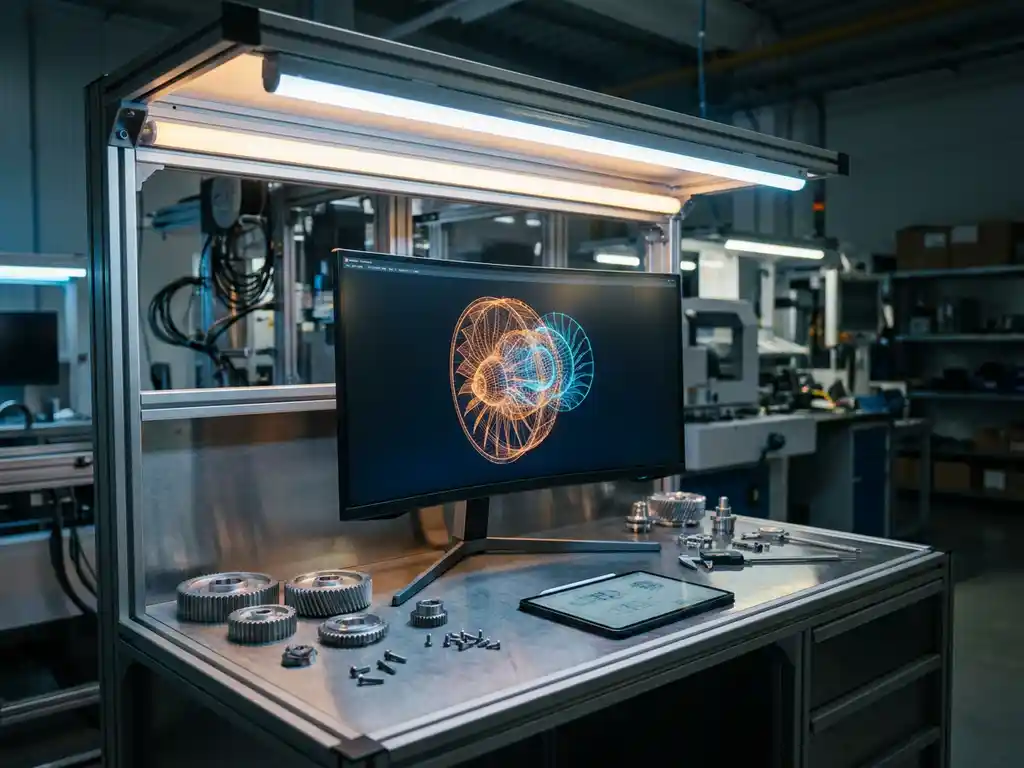
The five main types of software used in manufacturing are ERP (Enterprise Resource Planning), MES (Manufacturing Execution Systems), CAD (Computer-Aided Design), CAM (Computer-Aided Manufacturing), and product configuration software. Each serves a distinct purpose in the production and sales lifecycle, from designing a product to pricing and delivering it to the customer. Together, these tools form the digital backbone of a modern manufacturing operation.
For manufacturers selling configurable or design-led products, the combination of these systems determines how efficiently a business can move from concept to customer. The questions below break down what each type does, how they differ, and which ones work best in combination.
What does each type of manufacturing software actually do?
Each of the five core manufacturing software types manages a different stage of the product lifecycle. ERP handles business operations and data, MES controls the shop floor, CAD supports product design, CAM translates designs into production instructions, and product configuration software bridges the gap between what a manufacturer offers and what a customer actually orders.
Here is a quick overview of each type and its primary function:
- ERP software centralizes business data, including inventory, finance, procurement, and order management, across the entire organization.
- MES software monitors and controls manufacturing processes in real time, from raw materials through to finished goods on the production floor.
- CAD software enables engineers and designers to create precise 2D drawings and 3D models of products before they go into production.
- CAM software takes CAD models and generates the machine instructions needed to physically produce those designs using CNC equipment or other automated tools.
- Product configuration software allows customers or sales teams to customize products by selecting materials, dimensions, finishes, and features, often with visual output and automatic pricing built in.
While ERP and MES focus on internal operations, CAD and CAM serve the engineering and production teams, and product configuration software faces outward toward the customer and the sales process. Understanding where each tool fits helps manufacturers avoid duplication and identify gaps in their current tech stack.
How does ERP software differ from MES in a manufacturing environment?
ERP and MES are often confused because both deal with production data, but they operate at different levels. ERP manages the business — planning, scheduling, finance, and supply chain — while MES manages the factory floor in real time. ERP tells the operation what needs to happen; MES tracks and controls what is actually happening.
A practical way to think about the distinction is this: ERP answers the question “do we have the materials, capacity, and budget to produce this order?” MES answers “is this specific batch being produced correctly, right now, on this machine?”
ERP systems like SAP or Microsoft Dynamics are designed for high-level visibility across departments. They connect finance, HR, procurement, and logistics into a single data environment. MES systems, on the other hand, sit closer to the machinery and production line. They capture real-time data from equipment, track work-in-progress, manage quality control, and log production events as they occur.
For mid-to-large manufacturers, both systems are typically necessary. ERP handles strategic planning and cross-department coordination, while MES provides the operational granularity needed to maintain quality and efficiency at the production level. The two systems are increasingly integrated, allowing production data from MES to feed directly into ERP reporting and planning cycles.
Visual Commerce Solutions
Talk to our team about your project.
What role do CAD and CAM software play in product development?
CAD software is used to design products digitally, creating precise 2D technical drawings or detailed 3D models. CAM software then takes those digital designs and generates the machine instructions required to manufacture them. Together, CAD and CAM form the design-to-production pipeline that underpins physical product development in virtually every manufacturing sector.
CAD tools like SolidWorks, AutoCAD, or Rhino allow product designers and engineers to model every dimension, curve, and component of a product before a single prototype is built. This reduces costly errors early in the development cycle and makes it far easier to iterate on designs without physical rework.
CAM software takes those CAD models and translates them into toolpaths and machine code for CNC routers, lathes, mills, or other automated production equipment. This step removes the need for manual programming of machines and dramatically speeds up the transition from approved design to manufactured part.
For design-led manufacturers, particularly those in furniture, interiors, and premium product categories, CAD files also serve a second purpose: they form the foundation for high-quality 3D visualization. The same geometry used in engineering can be rendered into photorealistic imagery for marketing, sales, and product configuration tools, which is where the design and commercial sides of manufacturing increasingly overlap.
How does product configuration software fit into manufacturing sales?
Product configuration software allows customers or sales teams to customize a product by selecting from a defined set of options, such as materials, colors, dimensions, and features, while the system ensures every combination is valid and accurately priced. In manufacturing, this type of software directly addresses the challenge of selling complex, made-to-order products at scale.
For manufacturers offering a wide range of variants, traditional sales processes break down quickly. A sales representative manually working through every possible combination of a configurable sofa, wardrobe, or kitchen unit is slow, error-prone, and difficult to scale. Configuration software solves this by embedding product rules and pricing logic into a guided sales tool.
When configuration software includes CPQ (Configure, Price, Quote) functionality, it goes a step further. Manufacturing CPQ software automatically generates an accurate price quote the moment a configuration is completed, removing the need for manual pricing checks and reducing the risk of quoting errors. This is particularly valuable for manufacturers with complex pricing structures that vary by material, size, or finish.
The most advanced configuration platforms also integrate visual output, allowing customers to see a photorealistic rendering of their customized product in real time. This combination of visual configuration and CPQ transforms the sales conversation from a catalogue-driven exercise into an engaging, interactive experience that builds confidence and accelerates purchasing decisions.
Which manufacturing software types work best together?
The most effective manufacturing tech stacks combine ERP with MES for operational control, CAD and CAM for product development, and product configuration software for the sales and customer-facing layer. These pairings are not accidental. Each combination addresses a specific handoff point in the journey from product concept to delivered order.
Here is a numbered sequence showing how these software types connect across the manufacturing lifecycle:
- CAD to CAM: Design files created in CAD feed directly into CAM software, enabling fast, accurate production setup without manual re-entry of specifications.
- CAD to configuration software: 3D models from CAD can be used as the visual foundation for product configurators, ensuring rendered outputs match real product geometry.
- Configuration software to ERP: Confirmed orders from a configuration or CPQ tool can pass structured data directly into ERP, triggering procurement, scheduling, and invoicing automatically.
- ERP to MES: Production orders generated in ERP are handed off to MES, which manages the physical execution of those orders on the factory floor.
- MES back to ERP: Real-time production data from MES feeds back into ERP, keeping inventory, capacity, and delivery timelines accurate and up to date.
For manufacturers in the premium and design-led segment, the connection between configuration software and ERP is particularly important. When a customer configures a bespoke product and receives an instant quote, that data needs to flow seamlessly into operations without manual intervention. Manufacturers who achieve this integration reduce errors, shorten lead times, and create a far smoother experience for both their sales teams and their customers.
How 3Dimerce helps manufacturers master product configuration
We specialize in the part of the manufacturing software stack that directly faces your customer: visual product configuration combined with CPQ. Our Ensemble Suite is built for design-led manufacturers and premium brands who need their digital sales tools to match the quality of their products.
Here is what we bring to your manufacturing sales process:
- Photorealistic 3D configuration: Customers and sales teams can build and visualize custom product variants in real time, with stunning visual output that reflects the true quality of your range.
- Integrated CPQ functionality: Every configuration generates an accurate, rule-based price quote automatically, eliminating manual pricing errors and speeding up the sales cycle.
- Seamless integration: Our platform connects with your existing ERP, webshop, and in-store sales environments through headless integration, so data flows where it needs to without friction.
- Scalable visual content: Once your product range is modeled, every new variant generates its own visual output instantly, removing the need for costly photoshoots every time you add a configuration option.
- Omnichannel ready: The same configurator works beautifully online and in retail environments, giving your sales teams and your customers a consistent, premium experience across every touchpoint.
If you are ready to see how manufacturing CPQ software and visual configuration can transform your sales process, get in touch with our team and let us show you what is possible.
Frequently Asked Questions
How do I know which manufacturing software types my business actually needs?
Start by mapping your biggest operational pain points to the stage of the product lifecycle where they occur. If quoting errors and slow sales cycles are the issue, product configuration software with CPQ is likely your priority. If production inefficiencies and quality control are the concern, MES deserves attention first. Most manufacturers benefit from an honest audit of their current tech stack before investing in new tools, identifying where data handoffs are manual, slow, or error-prone.
Can small or mid-sized manufacturers realistically implement all five types of software?
Not necessarily all five at once, and not always in their most enterprise-grade form. Many smaller manufacturers start with a lightweight ERP and CAD tools, then add configuration software or MES as they scale. The key is choosing platforms that integrate well with each other so you are not locked into a rigid stack early on. Prioritize the tools that address your most costly inefficiencies first and build from there.
What is the biggest mistake manufacturers make when adopting product configuration software?
The most common mistake is treating the configurator as a standalone sales tool rather than integrating it with back-end systems like ERP. When configuration data does not flow automatically into operations, teams end up re-entering order details manually, which reintroduces the errors and delays the software was meant to eliminate. For configuration software to deliver its full value, it needs to be connected to your pricing logic, inventory data, and order management systems from the start.
How long does it typically take to implement a visual product configurator for a manufacturing business?
Implementation timelines vary depending on the complexity of your product range, the quality of existing 3D assets, and how deeply the configurator needs to integrate with your ERP or webshop. A focused deployment for a well-defined product range can go live in a matter of weeks, while a full-scale rollout covering a broad catalogue with deep ERP integration may take several months. Working with a provider who specializes in manufacturing configuration, rather than a generic SaaS tool, typically shortens the timeline significantly.
Do we need existing CAD files to use a visual product configurator?
Having existing CAD files is a strong starting point because they provide accurate product geometry that can be converted into real-time 3D visuals. However, if your product range has not been modeled in CAD, most specialist configuration platforms can work with your team to build or source the necessary 3D assets. The important thing is that the geometry used in the configurator accurately reflects your real product dimensions and variants, regardless of where those models originate.
How does CPQ software handle pricing for highly complex product variants?
Modern CPQ tools are built specifically for this challenge. Pricing rules are defined once within the system — covering variables like material costs, dimensions, finishes, and feature combinations — and the software applies those rules automatically every time a configuration is completed. This means even a product with thousands of possible variants can be priced instantly and accurately without a sales rep manually checking a spreadsheet. Any changes to material costs or pricing structures only need to be updated in one place, keeping quotes consistent across all channels.
What should manufacturers look for when evaluating whether two software systems will integrate well?
Look for platforms that support open APIs or established integration standards, as these make it far easier to connect systems without costly custom development. Ask vendors specifically how their software exchanges data with ERP platforms and whether they have existing integrations with the tools you already use. It is also worth requesting case studies or references from manufacturers with a similar tech stack, since real-world integration experience is a much stronger indicator of success than a vendor’s general compatibility claims.