
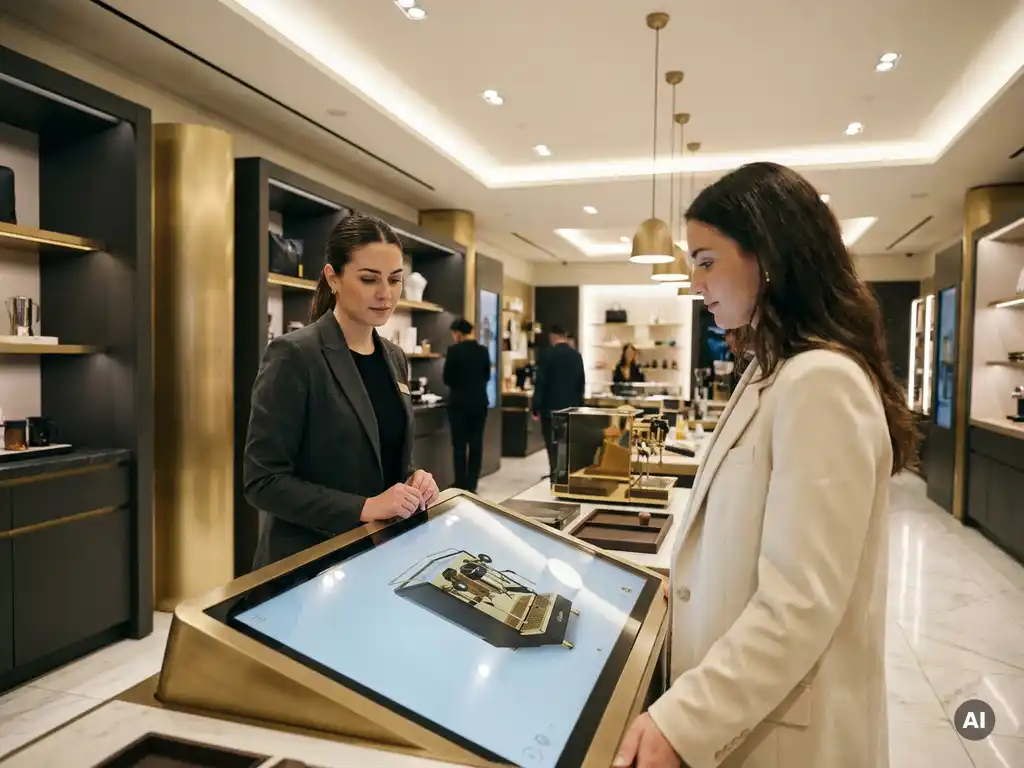
Sales automation software improves the in-store sales process by taking repetitive, manual tasks off your team’s plate and replacing them with fast, accurate, and consistent digital workflows. The result is shorter sales cycles, fewer errors, and a better experience for both staff and customers. Below, we answer the most common questions about how this works in practice.
What tasks in the in-store sales process can be automated?
Sales automation software can handle a wide range of tasks that traditionally slow down in-store teams, including product configuration, pricing calculations, quote generation, stock lookups, and order processing. By automating these steps, staff spend less time on administration and more time on the customer conversation that actually drives the sale.
In a retail environment, the tasks that benefit most from automation include:
- Product configuration: Letting customers select materials, finishes, dimensions, and options in real time without manual lookups
- Pricing updates: Automatically applying the correct price based on the chosen configuration, volume, or customer tier
- Quote generation: Producing accurate, branded quotations instantly rather than preparing them manually after the visit
- Order entry: Pushing confirmed orders directly into your ERP or order management system
- Product visualization: Rendering realistic previews of configured products so customers can see exactly what they are buying
Each of these tasks, when done manually, introduces delay and the risk of human error. Automating them creates a smoother, more professional sales interaction from the moment a customer walks in.
How does sales automation software speed up the buying decision?
Sales automation software speeds up buying decisions by removing the friction points that cause customers to hesitate or walk away. When a customer can see a realistic visual of their configured product and receive an accurate price on the spot, the gap between interest and commitment closes dramatically.
In high-consideration purchases, such as furniture, interior products, or other configurable goods, customers often delay decisions because they cannot fully picture the end result or because they are waiting for a quote to arrive days later. Automation eliminates both barriers. A real-time configurator shows the product as it will actually look. An integrated CPQ tool delivers the price immediately. Together, they give the customer everything they need to say yes before leaving the store.
There is also a psychological dimension. When a customer has actively configured a product and seen it rendered beautifully on screen, they have already made an emotional investment in that version. That moment of ownership makes conversion significantly more likely.
What is the difference between a POS system and sales automation software?
A POS system handles the transaction, while sales automation software handles everything that leads up to it. POS systems process payments, manage receipts, and record sales data. Sales automation software guides the customer and staff through product selection, configuration, pricing, and quoting before the transaction takes place.
Think of it this way: a POS system starts working at the end of the sales conversation. Sales automation software is active throughout the entire journey, from the first product question to the final confirmed quote. In many modern retail environments, the two systems work side by side, with sales automation feeding confirmed orders directly into the POS or ERP system.
For brands selling complex or configurable products, a POS system alone is simply not enough. It cannot show a customer what a sofa looks like in a different fabric, calculate a dynamic price for a bespoke configuration, or produce a professional quotation. That is exactly where sales automation software adds its greatest value.
How does sales automation software help staff sell complex or configurable products?
Sales automation software gives staff a structured, guided framework for presenting complex products, so they never have to rely on memory, printed catalogues, or manual calculations. With the right tool in hand, even a new team member can confidently walk a customer through hundreds of configuration options and produce an accurate quote within minutes.
For design-led or premium product brands, this matters enormously. The product range is often vast, the combinations are near-infinite, and the stakes of getting a quote wrong are high. Sales automation software solves this by:
- Guiding the configuration step by step so staff and customers move through options in a logical order
- Enforcing business rules automatically so incompatible combinations are blocked before they cause problems
- Calculating pricing dynamically based on the exact configuration chosen, with no manual calculation required
- Generating a professional quote instantly that can be emailed, printed, or saved for follow-up
- Rendering a photorealistic visual of the configured product so the customer knows exactly what they are ordering
The confidence this gives to sales staff is just as valuable as the efficiency it creates. When your team trusts the tool, they sell with more conviction and handle objections more effectively.
What should you look for in sales automation software for retail?
The most important factors to evaluate in sales automation software for retail are visual quality, pricing accuracy, ease of use, and integration capability. Beyond those core requirements, the software should scale with your product range and work seamlessly across both in-store and online environments.
When assessing options, prioritize software that delivers on the following:
- Photorealistic product visualization: Customers in premium retail expect to see exactly what they are buying, not a rough approximation
- Accurate CPQ functionality: The CPQ software must handle complex pricing logic, including custom configurations, discounts, and margin rules
- Intuitive interface: Staff should be able to use it confidently with minimal training, and customers should find it engaging rather than confusing
- Omnichannel capability: The same tool should work in-store on a touchscreen and online in your webshop, delivering a consistent brand experience
- Integration with existing systems: Look for headless integration options that connect cleanly to your ERP, CRM, or e-commerce platform
- Scalability: As your product range grows, the platform should accommodate new variants without requiring a rebuild
It is also worth considering the vendor’s experience in your specific market. A supplier who understands the design, furniture, or premium interiors space will deliver a solution that fits your brand positioning, not just your technical requirements.
How 3Dimerce helps transform your in-store sales process
We built our Ensemble Suite specifically for brands that sell premium, configurable products and need their in-store experience to match the quality of what they sell. Here is what that means in practice:
- Advanced CPQ software that generates accurate quotations instantly, even for the most complex configurations, giving your team and your customers complete confidence in every price
- Stunning real-time 3D visualization that renders products with photorealistic quality, including touchable textures, natural lighting, and perfectly irregular contours
- A guided point-of-sale tool designed for both experienced sales staff and first-time users, working seamlessly on in-store touchscreens and digital displays
- Headless integration that connects the platform to your existing webshop, ERP, or CRM without disrupting your current setup
- Omnichannel consistency so your brand looks and performs at the same level whether a customer is configuring online at home or standing in your showroom
If you are ready to give your in-store sales team the tools they need to sell with confidence and convert more customers, we would love to show you what our platform can do. Get in touch with our team and let us walk you through it.
Frequently Asked Questions
How long does it typically take to implement sales automation software in a retail environment?
Implementation timelines vary depending on the complexity of your product range and existing systems, but most retail environments can expect a phased rollout of four to twelve weeks. The initial setup — including product configuration rules, pricing logic, and ERP integration — takes the most time, while staff training is typically completed within a few days given that well-designed platforms are built for intuitive use. Working with a vendor who has experience in your specific market, such as furniture or premium interiors, can significantly shorten the timeline since they already understand the configuration logic your products require.
Can sales automation software work offline, for example during showroom events or in locations with unreliable internet?
Many enterprise-grade sales automation platforms offer offline or cached modes that allow core functionality — such as product configuration, visualization, and quote generation — to continue working without a live internet connection. Orders and quotes are then synced automatically once connectivity is restored. If offline capability is a priority for your business, it is worth raising this explicitly during vendor evaluations and requesting a demonstration under offline conditions.
What are the most common mistakes brands make when rolling out sales automation software in-store?
The most frequent mistake is treating the software rollout as a purely technical project rather than a sales enablement initiative — meaning staff are handed a new tool without sufficient context on how it improves their workflow or helps them close deals. Another common pitfall is launching with an incomplete product catalogue, which undermines customer confidence when options are missing or prices are inaccurate. The most successful rollouts involve sales teams early in the process, run a parallel pilot period before full deployment, and ensure the product and pricing data is thoroughly validated before go-live.
How does sales automation software handle pricing for custom or bespoke configurations that don't follow standard rules?
A robust CPQ engine within sales automation software is built specifically to handle non-standard pricing scenarios, including bespoke dimensions, one-off material requests, customer-tier discounts, and margin floor rules. Configuration logic is set up by your team or the vendor during onboarding, so the system can calculate accurate prices dynamically even for highly custom combinations. For truly exceptional cases that fall outside predefined rules, most platforms allow staff to flag a quote for manual review or apply an override, while still generating a professional, branded quotation for the customer.
Will customers actually engage with a product configurator in-store, or do they prefer talking to a salesperson?
Research and real-world retail experience consistently show that customers engage enthusiastically with interactive configurators, particularly for high-consideration purchases where seeing the end result matters. The key is that the configurator is not meant to replace the salesperson — it is a tool the salesperson uses with the customer, turning a one-sided presentation into a collaborative, hands-on experience. When customers actively participate in configuring their product and see a photorealistic render of the result, emotional investment in that specific configuration increases, which directly supports the salesperson’s ability to close the sale.
Can the same sales automation platform be used both in-store and on our website, and will it look consistent across both?
Yes — omnichannel capability is one of the defining advantages of modern sales automation platforms, and the best solutions are built to deliver a consistent brand experience whether a customer is configuring in your showroom or at home on your website. This is typically achieved through a headless architecture, where the core configuration and pricing engine connects to both your in-store touchscreen interface and your e-commerce front end. Consistency across channels is important not just for brand perception, but also because customers increasingly research online before visiting in-store, and a familiar interface reduces friction at both touchpoints.
How do we measure whether sales automation software is actually improving our in-store performance?
The most direct metrics to track are conversion rate (the percentage of in-store visitors who place an order), average order value, quote-to-close rate, and time-to-quote. Before implementing, establish a baseline for each of these figures so you have a clear before-and-after comparison. Secondary indicators worth monitoring include staff confidence scores gathered through internal feedback, the number of quote errors or post-sale amendments, and customer satisfaction ratings — all of which tend to improve measurably when a well-implemented sales automation platform is in place.