
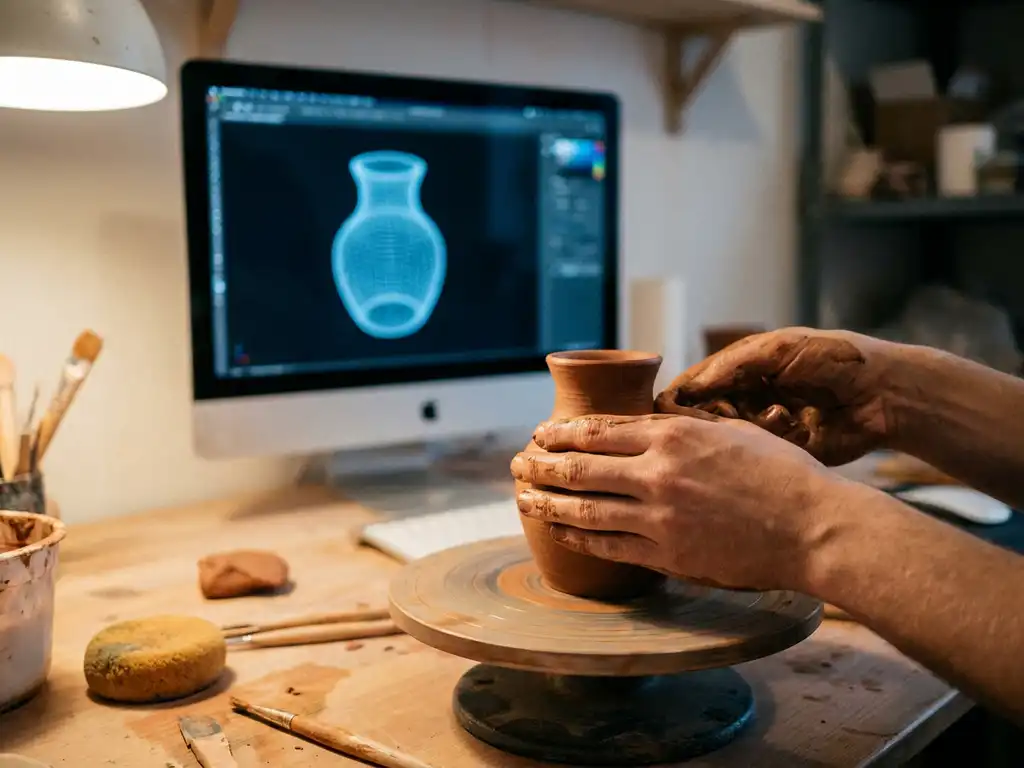
Learning 3D modeling can feel overwhelming at first, but it’s absolutely achievable with the right approach and mindset. While 3D modeling does have a learning curve that requires patience and practice, most beginners can start creating basic models within a few weeks and develop intermediate skills within 6-12 months of consistent practice.
Why is complexity paralysis stopping you from starting your 3D journey?
Many aspiring 3D artists never begin because they’re intimidated by the perceived complexity of modern software interfaces. When you see professional 3D renders with stunning detail and photorealistic textures, it’s easy to assume the learning process is impossibly difficult. This fear creates a barrier that prevents you from taking the first step, causing you to miss out on a skill that could transform your career or creative pursuits.
The solution is to start with simple projects and focus on fundamental concepts rather than advanced techniques. Choose basic geometric shapes and work your way up to more complex forms. This progressive approach builds confidence while developing essential skills like spatial thinking and tool familiarity.
What does software overwhelm reveal about your learning strategy?
Jumping between multiple 3D applications without mastering one creates confusion and slows progress significantly. Many beginners make the mistake of trying Blender, Maya, and 3ds Max simultaneously, thinking more options mean faster learning. This scattered approach leads to frustration, as each software has different workflows, shortcuts, and terminology.
Focus on mastering one program completely before exploring alternatives. Start with beginner-friendly software and commit to it for at least three months. This focused approach allows you to develop muscle memory and understand core 3D principles without the distraction of learning multiple interfaces.
Visual Commerce Solutions
Talk to our team about your project.
What makes 3D modeling challenging for beginners?
Several factors contribute to the initial difficulty of 3D modeling. The primary challenge is developing spatial awareness and understanding how 2D screens represent 3D space. Unlike traditional drawing, you must think in three dimensions while working on a flat monitor, which requires a mental shift that takes time to develop.
Technical complexity also presents hurdles for newcomers. Modern 3D software contains hundreds of tools and features, creating an overwhelming interface for first-time users. Understanding concepts like topology, edge flow, and polygon modeling requires both theoretical knowledge and practical application.
Additionally, 3D modeling demands patience with iterative workflows. Unlike instant digital art forms, creating quality 3D models involves multiple stages, including modeling, texturing, lighting, and rendering. Each stage has its own learning curve and technical requirements.
How long does it take to learn 3D modeling?
The timeline for learning 3D modeling varies significantly based on your goals, available practice time, and prior experience with digital tools. Most beginners can create simple objects within 2-4 weeks of regular practice, typically spending 1-2 hours daily learning basic navigation and modeling tools.
Developing intermediate skills usually takes 6-12 months of consistent practice. At this level, you’ll understand topology principles, can create detailed characters or products, and have mastered essential workflows. Advanced proficiency, including complex animation and professional-quality 3D rendering, typically requires 2-3 years of dedicated study and practice.
Your background significantly influences learning speed. Artists with traditional drawing or sculpture experience often adapt faster to 3D concepts, while those with technical backgrounds may excel at understanding software mechanics and workflows.
Which 3D modeling software is easiest for beginners?
Blender stands out as the most beginner-friendly option in 2026, offering a completely free, full-featured 3D suite with extensive learning resources. Its interface has been significantly improved over recent years, making it more intuitive for newcomers while maintaining professional capabilities.
Fusion 360 provides an excellent entry point for those interested in product design and engineering applications. Its parametric modeling approach teaches systematic thinking about 3D construction, making it ideal for creating precise mechanical parts and consumer products.
For those seeking simplicity, Tinkercad offers a browser-based introduction to 3D concepts without overwhelming features. While limited in scope, it’s perfect for understanding basic spatial relationships and 3D thinking before moving to more advanced software solutions.
What skills do you need before starting 3D modeling?
Basic computer literacy forms the foundation for 3D modeling success. You should be comfortable navigating file systems, understanding keyboard shortcuts, and working with complex software interfaces. These fundamental skills will help you adapt to 3D software more quickly.
Spatial reasoning ability proves crucial for visualizing three-dimensional relationships. While this skill develops through practice, having some experience with activities like puzzles, construction toys, or even video games can provide a helpful foundation for understanding 3D space.
Artistic fundamentals, while not strictly necessary, significantly enhance your 3D modeling journey. Understanding basic principles of form, proportion, and composition helps create more visually appealing models. However, these skills can be developed alongside 3D techniques rather than as prerequisites.
How do you overcome common 3D modeling learning obstacles?
Breaking complex projects into smaller, manageable tasks prevents overwhelm and maintains motivation. Instead of attempting to model an entire character immediately, start with individual components like hands, eyes, or clothing elements. This approach builds skills progressively while providing regular completion satisfaction.
Joining online communities and forums provides invaluable support during challenging learning phases. Platforms like Reddit’s r/blender, Discord servers, and specialized 3D forums offer opportunities to ask questions, share work, and receive constructive feedback from experienced artists.
Regular practice sessions, even short 15-30 minute daily sessions, are more effective than sporadic long sessions. Consistency helps build muscle memory for tool usage while keeping concepts fresh in your mind. Set realistic goals and celebrate small victories to maintain long-term motivation.
How 3Dimerce helps with 3D modeling mastery
We understand that creating professional-quality 3D models and renders requires both technical expertise and artistic vision. Our visual product experience platform demonstrates how advanced 3D modeling translates into real business value through:
- High-quality product configurators that showcase the potential of skilled 3D modeling
- Photorealistic CGI imagery that exemplifies professional rendering standards
- Seamless integration capabilities that show how 3D assets function in commercial applications
- Blazing-fast performance that proves technical optimization matters as much as visual quality
Whether you’re developing 3D skills for product visualization, e-commerce applications, or creative projects, seeing professional implementations can inspire and guide your learning journey. Ready to explore how expert 3D modeling transforms product experiences? Contact us to discover the possibilities.
Frequently Asked Questions
What's the best way to practice 3D modeling when I don't have specific project ideas?
Start with everyday objects around your home like coffee mugs, books, or furniture pieces. These familiar items help you focus on learning tools rather than design decisions. Additionally, try recreating simple geometric combinations or following along with u0022modeling challengeu0022 prompts available on 3D communities and YouTube channels.
Should I invest in expensive hardware before starting 3D modeling?
No, you can begin learning 3D modeling on most modern computers. While high-end graphics cards and processors speed up rendering, they’re not essential for learning basic modeling techniques. Start with your current setup and upgrade hardware only when you consistently hit performance limitations that impede your workflow.
How do I know if my 3D models have good topology?
Good topology features evenly distributed edge loops, minimal triangles, and clean quad-based geometry that deforms well. Enable wireframe view to examine your mesh structure, and test how your model behaves when you apply subdivision surface modifiers. If edges bunch up or create artifacts, your topology needs improvement.
What should I do when I get stuck on a modeling problem for hours?
Take a break and approach the problem differently—sometimes stepping away helps you see solutions more clearly. Try searching for specific tutorials addressing your issue, or ask for help in 3D modeling communities with screenshots of your problem. Often, there’s a simpler tool or technique you haven’t discovered yet.
Is it worth learning multiple 3D software packages simultaneously?
No, focus on mastering one software thoroughly before exploring others. Each program has unique workflows and shortcuts that take time to internalize. Once you’re proficient in one application, the core 3D principles transfer more easily, making it faster to learn additional software when needed for specific projects or career requirements.
How can I tell if my 3D modeling skills are progressing at a normal pace?
Track your progress by comparing models you create now to ones from previous months, rather than comparing yourself to professional artists. If you can complete basic objects in less time and with fewer attempts than before, you’re progressing well. Join beginner communities to see others’ learning journeys for realistic benchmarks.
What's the most efficient way to learn texturing and materials after mastering basic modeling?
Start with simple procedural materials before moving to complex texture painting. Learn to use basic material properties like roughness, metallic, and normal maps on simple objects first. Practice UV unwrapping on geometric shapes before attempting organic models, as clean UVs are essential for good texturing results.