
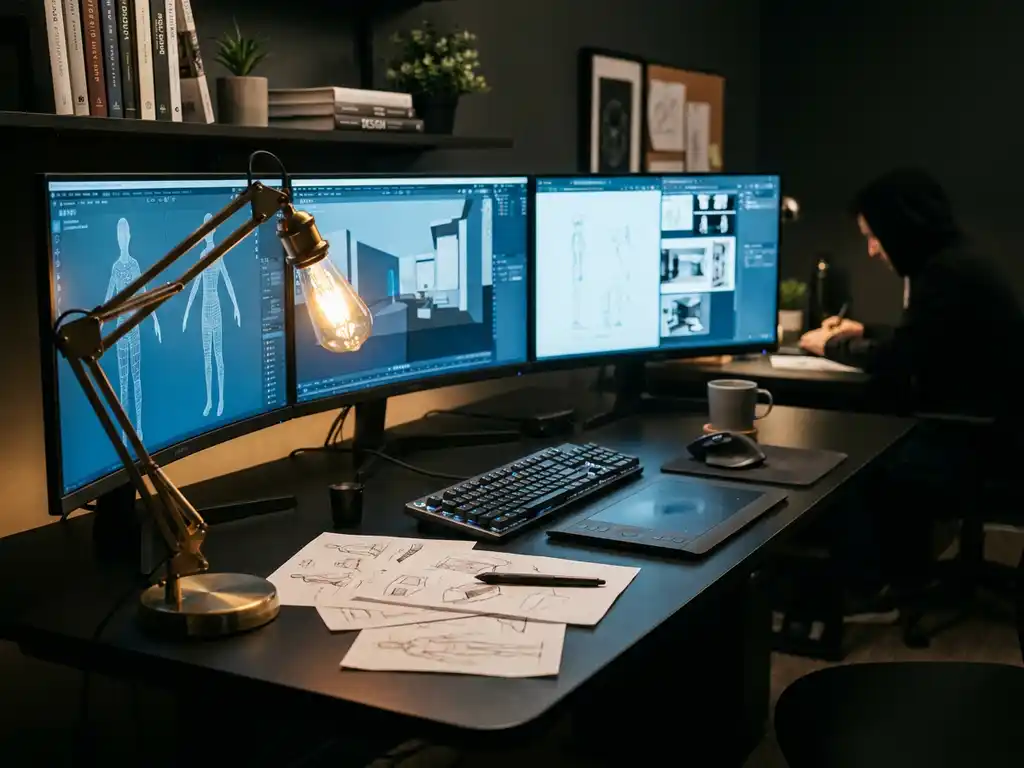
The professional 3D animation landscape in 2026 is dominated by a core group of industry-standard software packages that have evolved to meet the demanding needs of film studios, game developers, and visualization professionals. Maya leads the market for character animation and VFX work, while Blender has gained significant ground as a powerful open-source alternative. Cinema 4D remains the go-to choice for motion graphics, and specialized tools like Houdini continue to excel in procedural animation and effects.
Why is outdated animation software costing you competitive advantage?
Many professionals stick with familiar tools without realizing how rapidly the 3D animation field has evolved. Using outdated software or the wrong tool for your specific workflow can mean longer render times, limited collaboration features, and missing out on cutting-edge techniques that competitors are already leveraging. Modern animation software offers real-time rendering capabilities, cloud-based collaboration, and AI-assisted workflows that can reduce project timelines by 30-50%. The cost of falling behind isn’t just about efficiency—it’s about losing clients to studios that can deliver faster, higher-quality results at competitive prices.
What does poor software integration signal about your production pipeline?
When your 3D animation software doesn’t integrate seamlessly with your existing tools, it creates bottlenecks that ripple through your entire production pipeline. File format incompatibilities, manual data transfers, and workflow interruptions indicate a deeper problem: your technology stack isn’t optimized for modern collaborative work. This fragmentation leads to version control issues, increased error rates, and frustrated team members who spend more time managing technical problems than creating. The solution lies in choosing software that supports industry-standard formats and offers robust API integration with your existing creative and project management tools.
Visual Commerce Solutions
Talk to our team about your project.
What is the most popular 3D animation software among professionals in 2026?
Maya continues to dominate professional 3D animation studios in 2026, particularly in film and television production. Autodesk’s flagship software maintains its position due to its comprehensive character rigging tools, advanced animation features, and seamless integration with industry pipelines. Major studios like Pixar, DreamWorks, and ILM have built their workflows around Maya’s robust toolset.
Blender has experienced remarkable growth and now commands significant market share, especially among independent creators and smaller studios. Its open-source nature, combined with professional-grade features introduced in recent versions, has made it a viable alternative to expensive commercial software. The active community and frequent updates have helped Blender gain credibility in professional environments.
Cinema 4D remains the preferred choice for motion graphics professionals and advertising agencies. Its intuitive interface and powerful procedural modeling capabilities make it ideal for creating stylized animations and visual effects for commercials and broadcast graphics.
How much does professional 3D animation software cost?
Professional 3D animation software pricing varies significantly depending on the platform and licensing model. Maya operates on a subscription basis, costing approximately $1,875 per year for a single-user license. Cinema 4D follows a similar model with annual subscriptions ranging from $720 to $3,495 depending on the package and features included.
Blender stands out as completely free and open-source, making it an attractive option for budget-conscious professionals and studios. However, many organizations choose to make voluntary donations or purchase support services to ensure reliable access to updates and assistance.
Enterprise licensing often provides volume discounts for larger studios. Many software companies also offer educational discounts and flexible payment plans. Cloud-based rendering services and plugin ecosystems can add additional costs, with professional render farms charging anywhere from $0.02 to $0.50 per core-hour depending on the complexity and priority of the job.
What’s the difference between Maya, Blender, and Cinema 4D?
Maya excels in character animation and complex rigging scenarios. Its advanced deformation tools, comprehensive scripting capabilities through MEL and Python, and industry-standard pipeline integration make it the go-to choice for feature film production. Maya’s strength lies in handling complex scenes with multiple characters and intricate animation requirements.
Blender offers an all-in-one solution that includes modeling, animation, rendering, compositing, and video editing within a single interface. Its Cycles and Eevee rendering engines provide both photorealistic and real-time rendering capabilities. Blender’s node-based material system and geometry nodes offer powerful procedural workflows that rival specialized software.
Cinema 4D focuses on ease of use and procedural workflows. Its MoGraph module revolutionized motion graphics creation, while integration with Adobe After Effects makes it popular among broadcast professionals. Cinema 4D’s strength lies in creating stylized animations quickly and efficiently, with excellent built-in rendering capabilities through Redshift integration.
Which 3D animation software should beginners start with?
Blender represents the best starting point for beginners in 2026 due to its zero cost barrier and comprehensive learning resources. The software includes everything needed to learn 3D animation fundamentals without requiring additional purchases. Blender’s active community provides extensive tutorials, and its interface has become more user-friendly with recent updates.
Cinema 4D offers an excellent alternative for beginners who prefer a more streamlined learning experience. Its intuitive interface and logical workflow make it easier to grasp fundamental concepts quickly. The software’s excellent documentation and training materials help new users become productive faster.
Maya, while powerful, presents a steeper learning curve due to its complexity and extensive feature set. However, learning Maya early can be advantageous for those specifically targeting careers in film and television animation, as it remains the industry standard in these fields.
Beginners should also consider their intended career path and budget constraints when making this decision. Starting with free software like Blender allows experimentation without financial commitment, while investing in commercial software might be worthwhile for those who are certain about their professional direction.
How do professionals choose 3D animation software for their workflow?
Professional software selection depends heavily on project requirements and team collaboration needs. Studios evaluate software based on pipeline integration, file format compatibility, and existing team expertise. The ability to seamlessly exchange files with clients and collaborators often determines software choice more than individual features.
Rendering capabilities play a crucial role in decision-making. Real-time rendering engines like Unreal Engine have become increasingly important for previsualization and virtual production workflows. Many professionals now use multiple software packages, choosing the best tool for each specific task within their pipeline.
Performance and stability requirements vary by project scale. Large-scale productions require software that can handle complex scenes with millions of polygons and maintain stability during long rendering sessions. Smaller projects might prioritize speed and ease of use over raw computational power.
Budget considerations extend beyond initial software costs to include training time, plugin expenses, and ongoing support needs. Professional use cases often involve evaluating total cost of ownership rather than just upfront expenses.
How 3Dimerce supports professional 3D visualization
We at 3Dimerce understand that while traditional 3D animation software serves the entertainment industry well, product visualization requires specialized tools that deliver stunning visuals with blazing-fast performance. Our visual product experience platform offers:
- High-quality 3D product configurators that eliminate the need for traditional photography
- Real-time rendering capabilities optimized for interactive product customization
- Seamless integration with existing e-commerce and sales environments
- Scalable solutions that grow with your product range without proportional cost increases
- Professional CGI imagery that matches or exceeds premium product positioning
Whether you’re a furniture manufacturer, interior design brand, or retailer looking to revolutionize your product visualization workflow, our platform delivers the visual quality and performance that luxury markets demand. Contact us to discover how our specialized 3D visualization technology can transform your product presentation and sales process.
Frequently Asked Questions
How long does it typically take to become proficient in professional 3D animation software?
Becoming proficient in professional 3D animation software typically takes 6-12 months of consistent practice for basic competency, and 2-3 years to reach professional-level expertise. The timeline varies significantly based on your background, learning intensity, and chosen software complexity. Maya generally requires the longest learning curve, while Cinema 4D offers faster initial proficiency, and Blender falls somewhere in between.
Can I use multiple 3D animation software packages in the same project workflow?
Yes, many professional studios use multiple software packages within the same project to leverage each tool’s strengths. Common workflows include modeling in Blender, rigging and animation in Maya, and final rendering in specialized engines like Redshift or V-Ray. The key is ensuring proper file format compatibility (typically .fbx, .obj, or .alembic) and maintaining consistent naming conventions across your pipeline.
What are the minimum hardware requirements for running professional 3D animation software effectively?
Professional 3D animation requires a powerful workstation with at least 32GB RAM, a dedicated GPU with 8GB+ VRAM (RTX 4070 or better), and a multi-core CPU (Intel i7/i9 or AMD Ryzen 7/9). For complex scenes and rendering, 64GB+ RAM and multiple GPUs significantly improve performance. SSD storage is essential for handling large project files and texture assets efficiently.
How do I migrate my existing projects when switching between different 3D animation software?
Project migration requires careful planning and often involves breaking down your project into components. Export models as .obj or .fbx files, textures as standard image formats, and animation data as .fbx or .alembic files. Rigging and complex node setups typically need to be rebuilt in the new software. Start with small test projects to establish your migration workflow before attempting large-scale transfers.
What's the best way to stay updated with new features and industry changes in 3D animation software?
Follow official software blogs and release notes, join professional communities like CGSociety or Blender Artists, and attend industry conferences such as SIGGRAPH or NAB. Subscribe to YouTube channels from software companies and industry professionals, participate in online forums, and consider taking periodic advanced courses to stay current with evolving workflows and techniques.
Should I invest in expensive plugins and add-ons for my 3D animation software?
Invest in plugins only after mastering your base software and identifying specific workflow bottlenecks. Essential categories include advanced rendering engines (like Redshift or Octane), specialized modeling tools, and pipeline automation scripts. Start with free alternatives and community plugins before purchasing expensive commercial solutions. Calculate the time savings versus cost to ensure plugins provide genuine productivity improvements.
How important is cloud rendering for professional 3D animation workflows?
Cloud rendering becomes essential for projects with tight deadlines, complex scenes, or limited local hardware. It’s particularly valuable for final quality renders, allowing you to continue working while renders process remotely. However, factor in upload times for large files and ongoing costs. Many professionals use hybrid approaches, handling previews locally and sending final renders to cloud services like AWS, Google Cloud, or specialized render farms.