
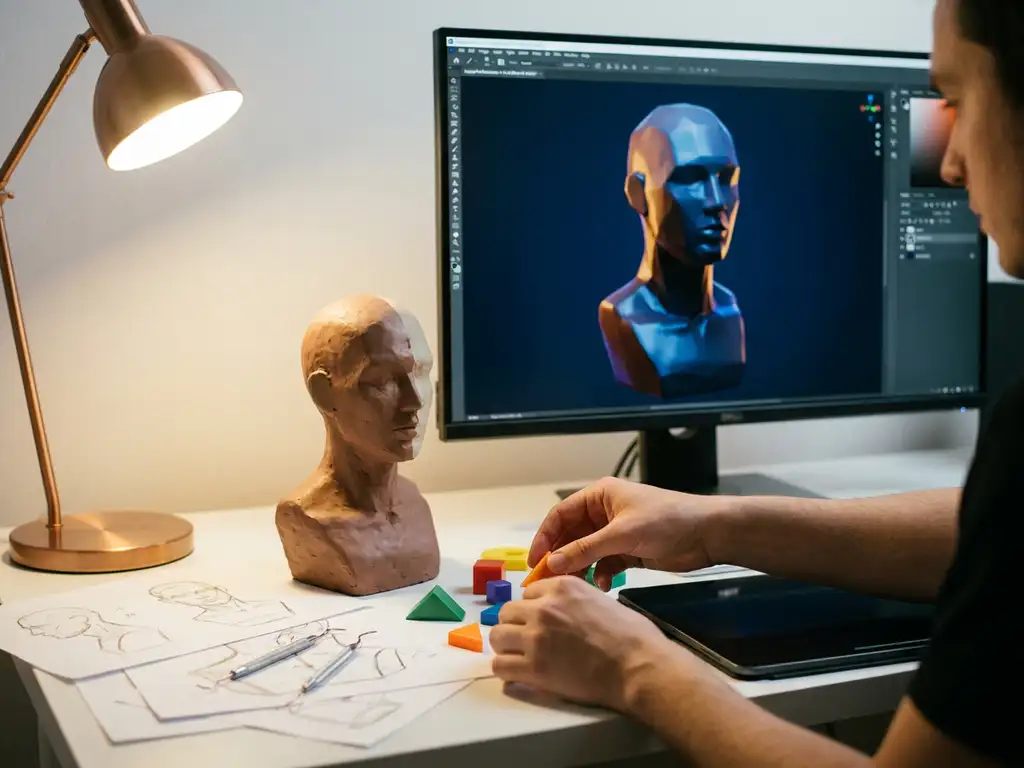
3D rendering is the process of generating photorealistic images from digital 3D models using specialized software and mathematical calculations. While the technical complexity might seem intimidating at first, 3D rendering is absolutely learnable for beginners with the right approach and dedication. Most people can grasp the fundamentals within a few months and develop professional-level skills within 1-2 years of consistent practice.
Why is poor product visualization costing you sales conversions?
When customers can’t properly visualize your products online, you’re losing potential sales before they even reach the checkout. Static images and basic product photos fail to showcase the true quality and customization options of premium products, leading to uncertainty and abandoned carts. Research suggests that customers need to feel confident about their purchase decisions, especially for high-value items like furniture or luxury goods. Without interactive 3D visualization, you’re forcing customers to imagine how products will look in different configurations, colors, or materials. This visualization gap directly impacts conversion rates and forces you to rely on costly physical showrooms or extensive photography shoots for every product variant. The solution lies in implementing dynamic 3D rendering that allows customers to explore products from every angle and see real-time customization options.
How is outdated product imagery holding back your brand positioning?
Your brand’s premium positioning is undermined when product visuals look inconsistent, outdated, or low-quality across different sales channels. Traditional photography struggles to keep pace with product variations and seasonal updates, leaving you with mismatched imagery that erodes customer trust. When competitors showcase their products with stunning, interactive 3D experiences while you rely on static photos, the quality gap becomes obvious to potential customers. This visual disparity doesn’t just affect online sales — it also impacts how retailers and partners perceive your brand’s digital sophistication. The answer is adopting scalable 3D rendering technology that maintains consistent, high-quality visuals across all touchpoints while reducing dependency on expensive photo shoots and physical samples.
Visual Commerce Solutions
Talk to our team about your project.
What is 3D rendering and why is it important?
3D rendering is the process of generating photorealistic images or animations from three-dimensional digital models using computer graphics software. The rendering engine calculates how light interacts with surfaces, materials, and textures — transforming mathematical representations of objects and scenes into visual content that closely mimics real-world photography.
The importance of 3D rendering extends across multiple industries, from architecture and product design to entertainment and marketing. In product visualization specifically, 3D rendering eliminates the need for expensive photography sessions and allows for unlimited variations of the same product. Companies can showcase products in different colors, materials, and configurations without manufacturing physical prototypes. This technology also enables interactive experiences where customers can customize products in real time, significantly improving engagement and conversion rates.
How long does it take to learn 3D rendering?
The time it takes to learn 3D rendering depends on your goals, available hours per week, and prior experience with digital tools. Complete beginners can expect to understand basic concepts and produce simple renders within 2–3 months of dedicated study. Developing professional-level skills typically requires 12–18 months of consistent practice.
Several factors influence how quickly you progress:
- Prior experience: Familiarity with graphic design software or art fundamentals like lighting and composition accelerates learning.
- Time commitment: Learners dedicating 10–15 hours per week advance significantly faster than casual practitioners.
- Project complexity: Creating basic product renders requires less time than mastering architectural visualization or character animation.
- Software focus: Concentrating on one platform before expanding your toolkit builds a stronger foundation faster.
Most experienced 3D artists recommend choosing one software platform and staying with it through the fundamentals before exploring additional tools.
What skills do you need for 3D rendering?
3D rendering requires a combination of technical proficiency and artistic understanding. Neither alone is sufficient — the strongest renders come from practitioners who develop both in parallel.
Technical skills
On the technical side, you need familiarity with 3D software interfaces, basic computer navigation, and patience for detailed work. Mathematical concepts like geometry and spatial reasoning are helpful, though most modern software handles complex calculations automatically.
Artistic skills
Artistic ability proves equally important for creating compelling renders. Understanding composition, lighting, and color theory dramatically improves output quality. Knowledge of how real-world materials interact with light helps create believable surfaces and textures. Photography principles translate directly to 3D rendering — you’re essentially setting up virtual cameras and lighting scenarios.
Workflow skills
Problem-solving is crucial, since 3D rendering frequently involves troubleshooting technical issues and optimizing scene performance. Attention to detail separates amateur work from professional-quality output. Patience and persistence are also essential, as rendering can be time-consuming and typically requires multiple iterations to reach the desired result.
Which 3D rendering software should beginners use?
The best 3D rendering software for beginners depends on your goals and budget. The most commonly recommended starting points are Blender, KeyShot, and Cinema 4D — each suited to different use cases.
- Blender: Free, open-source, and comprehensive. Includes modeling, rendering, and animation in one package. Best for beginners who want to learn the full 3D pipeline without upfront cost. Supported by an extensive community and tutorial library.
- KeyShot: Designed specifically for rendering rather than modeling, with real-time preview that accelerates learning. Requires a separate modeling program. Starts at approximately $99/month.
- Cinema 4D: Balances user-friendliness with professional capabilities. Approximately $94/month. Better suited to users who want a polished interface and industry-standard output.
- Maya and 3ds Max: Industry standards for animation and visual effects. Steeper learning curves and higher costs make them better suited to users with existing 3D experience or specific professional requirements.
For most beginners, starting with Blender to learn fundamental concepts is the most practical approach. Once you’ve established core skills, you can evaluate whether specialized software better fits your specific workflow.
How do you start learning 3D rendering step by step?
Learning 3D rendering follows a clear progression: start with software basics, build foundational skills through simple projects, and gradually increase complexity. Consistency matters more than volume — daily 30-minute sessions typically outperform infrequent intensive study.
- Choose your software and complete introductory tutorials. Focus on viewport navigation, basic modeling tools, and material assignment before attempting complex projects.
- Start with simple objects. Practice on geometric shapes like cubes, spheres, or basic furniture pieces. Experiment with different materials and lighting setups to build core intuition.
- Study professional examples. Reviewing real-world product visualization work helps calibrate your quality targets and inspires practice projects.
- Increase complexity progressively. Add more detailed models, advanced materials, and sophisticated lighting as your confidence grows.
- Join a community and seek feedback. Online 3D communities provide critique that accelerates improvement faster than solo practice.
- Follow structured courses. Progressive skill-building courses provide better foundations than random tutorial videos.
Set specific goals for each practice session — mastering a particular material type, lighting technique, or render setting — rather than practicing without direction.
What are the biggest challenges when learning 3D rendering?
The most common challenges beginners face in 3D rendering fall into three areas: technical complexity, slow feedback loops, and artistic development.
Technical complexity overwhelms many beginners. Modern 3D software includes hundreds of parameters and options, making it difficult to know which settings matter for your specific projects. While most software handles the underlying mathematics automatically, understanding which controls to adjust — and why — takes time to develop.
Render times create a slow feedback loop that frustrates early learners. Complex scenes can take hours to render, making it difficult to iterate quickly and learn from mistakes. Managing hardware limitations alongside this slow cycle adds another layer of friction.
Artistic development often proves harder than technical skills. Understanding why one render looks professional while another appears amateurish requires developing an eye for lighting, composition, and material realism — skills that improve only through sustained exposure and deliberate practice. Many beginners focus exclusively on technical settings while neglecting the artistic principles that create compelling visuals.
Finally, the volume of available learning resources can paralyze beginners. Choosing a structured learning path and staying with it — rather than jumping between approaches — is one of the most effective ways to build a solid foundation.
How 3Dimerce helps with 3D rendering challenges
3Dimerce is a visual product configuration platform built specifically for the design, luxury, and high-end market. For businesses that need professional-quality product visualization without the time investment of learning 3D software from scratch, we offer a purpose-built alternative: stunning, photorealistic renders delivered through a platform designed for speed, quality, and tailored configuration at scale.
Our visual product configuration platform eliminates the steep learning curve by providing ready-to-use 3D rendering capabilities specifically designed for product visualization. Instead of spending months learning complex software, you can focus on showcasing your products with the kind of photorealistic quality that premium brands demand.
Our platform offers several key advantages:
- Professional-quality renders without requiring 3D expertise
- Real-time product customization and configuration
- Seamless integration with existing e-commerce platforms
- Consistent visual quality across all product variants
- Blazing fast performance for immediate customer interaction
Whether you’re looking to enhance your online product catalog or create interactive showroom experiences, our team handles the technical complexity while you focus on growing your business. Contact us today to discover how we can transform your product visualization without the lengthy learning curve of traditional 3D rendering software.
Frequently Asked Questions
What hardware do I need to get started with 3D rendering?
A mid-range computer with a dedicated graphics card (GPU) is ideal, but you can start learning with basic hardware. For beginners, 8GB RAM, a modern CPU, and any dedicated GPU will handle simple projects. As you advance, consider upgrading to 16-32GB RAM and a more powerful GPU like RTX 3060 or better for faster render times and complex scenes.
How much should I expect to spend on 3D rendering software as a beginner?
You can start completely free with Blender, which offers professional-grade capabilities. If you prefer user-friendly options, KeyShot starts at around $99/month, while Cinema 4D costs approximately $94/month. Many professionals recommend starting with free software to learn fundamentals before investing in premium tools.
What's the difference between real-time rendering and traditional rendering?
Traditional rendering produces high-quality images but can take minutes to hours per frame, while real-time rendering creates instant visual feedback but with some quality trade-offs. Real-time rendering is perfect for interactive product configurators and immediate previews, whereas traditional rendering is used for final marketing materials and photorealistic presentations.
How do I avoid common beginner mistakes that make renders look unprofessional?
Focus on lighting quality over model complexity – poor lighting ruins even detailed models. Avoid over-saturated materials, unrealistic scale proportions, and cluttered compositions. Study real photography for lighting reference, use subtle material imperfections for realism, and always consider your camera angle and focal length to create compelling compositions.
Can I create product renders good enough for e-commerce without years of experience?
Yes, with focused learning on product-specific techniques, you can create e-commerce-quality renders within 3-6 months. Concentrate on mastering studio lighting setups, material creation for your specific product types, and efficient workflows rather than trying to learn every aspect of 3D rendering. Consider using pre-made HDR environments and material libraries to accelerate your progress.
What should I do when my renders take too long or my computer crashes?
Optimize your scenes by reducing polygon counts on non-visible surfaces, using lower resolution textures during testing, and rendering smaller image sizes for previews. Enable GPU acceleration if available, close unnecessary programs while rendering, and consider cloud rendering services for complex projects. Start with simple scenes and gradually increase complexity as you learn optimization techniques.
How do I know if learning 3D rendering is worth the time investment for my business?
Calculate your current costs for product photography, including studio time, photographer fees, and reshoots for product variations. If you spend over $5,000 annually on product imagery or need frequent updates for customizable products, learning 3D rendering typically pays off within the first year. Consider the long-term benefits of unlimited product variations and faster time-to-market for new designs.