
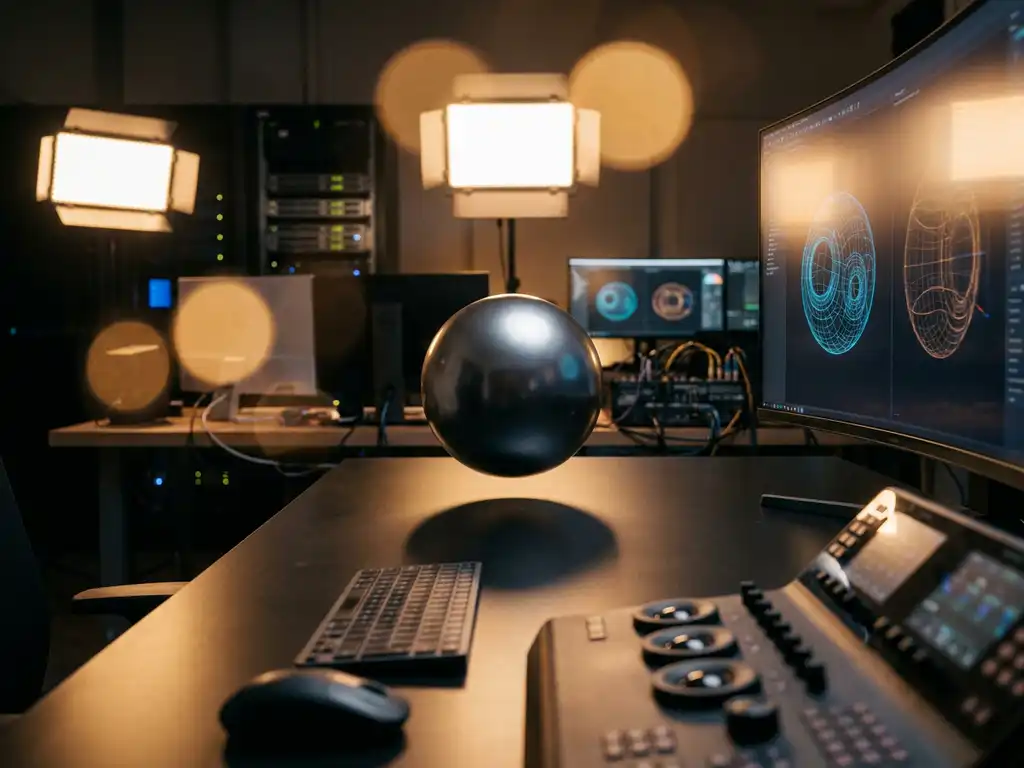
Corona Renderer is a photorealistic rendering engine designed for 3D artists and visualization professionals who demand exceptional image quality with minimal technical complexity. Built on physically based rendering principles, Corona Renderer transforms 3D models into stunning, lifelike images by accurately simulating how light behaves in the real world. The software has gained widespread adoption since its development began in 2009, particularly among architectural visualization artists, product designers, and CGI professionals who need to create convincing visual content quickly and efficiently.
Why is slow rendering workflow costing you client relationships?
When your rendering engine takes hours to produce a single high-quality image, you’re not just losing time—you’re losing competitive advantage and client trust. Every hour spent waiting for renders is an hour you can’t spend refining designs, exploring creative alternatives, or responding to client feedback. This bottleneck becomes particularly painful during tight project deadlines when clients expect rapid iterations and quick turnarounds. The frustration compounds when technical complexity forces you to choose between speed and quality, often resulting in compromised visuals that fail to showcase your design expertise. Corona Renderer’s streamlined workflow and faster processing eliminate this trade-off, allowing you to deliver both exceptional quality and rapid iterations that keep clients engaged and projects moving forward.
What does complex software setup signal about your creative productivity?
If you’re spending more time configuring rendering settings than actually creating, your tools are working against your creative process. Complex rendering engines often require extensive technical knowledge, forcing artists to become technical specialists rather than focusing on their core creative strengths. This technical burden not only slows down individual projects but also creates barriers for team collaboration when only certain members understand the intricate settings required for consistent results. Corona Renderer’s intuitive interface and intelligent defaults remove these technical obstacles, enabling creative professionals to concentrate on design excellence rather than software mastery. The simplified workflow means faster onboarding for new team members and more consistent results across projects.
Visual Commerce Solutions
Talk to our team about your project.
What is Corona Renderer and how does it work?
Corona Renderer operates as a CPU-based rendering engine that integrates seamlessly with popular 3D modeling software to produce photorealistic images and animations. The engine uses unbiased path tracing algorithms combined with sophisticated denoising technology to achieve exceptional image quality while maintaining reasonable render times. Unlike traditional rendering approaches that require extensive technical setup, Corona Renderer employs physically accurate materials and lighting models that respond predictably to real-world parameters.
The rendering process begins when Corona Renderer receives scene data from your 3D application, including geometry, materials, lighting, and camera information. The engine then traces light paths through the virtual environment, calculating how photons bounce between surfaces to create realistic illumination, shadows, and reflections. Advanced denoising algorithms work during the rendering process to reduce noise and grain, allowing for cleaner images in shorter timeframes. The result is professional-quality output that accurately represents materials, lighting conditions, and atmospheric effects without requiring complex technical adjustments.
Why do professionals choose Corona Renderer over other engines?
Professional artists and studios consistently choose Corona Renderer for its exceptional balance of image quality, ease of use, and reliable performance. The software’s intuitive workflow allows creative professionals to focus on artistic vision rather than technical complexity, making it accessible to both seasoned veterans and newcomers to 3D rendering. Corona Renderer’s predictable material system means that real-world material properties translate directly into digital equivalents, eliminating guesswork and reducing the learning curve significantly.
The engine’s robust denoising capabilities enable faster preview renders during the creative process, allowing for real-time feedback and rapid design iterations. This responsiveness proves crucial during client presentations and design development phases where quick adjustments can make the difference between winning and losing projects. Additionally, Corona Renderer’s active development cycle and responsive support community ensure that users receive regular updates, bug fixes, and new features that keep pace with industry demands. The software’s stability and consistent output quality have made it a trusted choice for high-profile architectural visualizations, product renderings, and commercial CGI projects worldwide.
What’s the difference between Corona Renderer and V-Ray?
Corona Renderer and V-Ray represent two distinct approaches to professional rendering, each with unique strengths that appeal to different user preferences and project requirements. Corona Renderer emphasizes simplicity and ease of use, featuring an intuitive interface with intelligent defaults that produce excellent results with minimal setup time. The software’s streamlined workflow makes it particularly appealing to artists who prefer to focus on creative aspects rather than technical configuration.
V-Ray, by contrast, offers extensive customization options and advanced technical controls that appeal to users who want granular control over every aspect of the rendering process. While V-Ray supports both CPU and GPU rendering modes, Corona Renderer focuses primarily on CPU rendering with exceptional optimization for multi-core processors. Corona Renderer’s integrated denoising system works seamlessly during the rendering process, while V-Ray requires separate denoising solutions or longer render times for comparable noise levels.
In terms of learning curve, Corona Renderer’s straightforward approach allows new users to achieve professional results quickly, whereas V-Ray’s comprehensive feature set requires more extensive training to master fully. Both engines produce excellent final image quality, but Corona Renderer typically achieves comparable results with less technical expertise required from the user.
How much does Corona Renderer cost and what do you get?
Corona Renderer operates on a subscription-based licensing model that provides access to the full feature set, regular updates, and technical support. As of 2026, the software is available through monthly and annual subscription options, with educational discounts available for students and academic institutions. The subscription includes access to all Corona Renderer features, including the core rendering engine, material library, and integrated tools for post-processing and compositing.
Subscribers receive automatic updates that include new features, performance improvements, and bug fixes, ensuring access to the latest rendering technologies and workflow enhancements. The license also includes access to Corona Renderer’s extensive material library, containing hundreds of professionally crafted materials that can be applied directly to 3D models. Technical support through official channels, comprehensive documentation, and access to the active user community provide additional value for subscription holders.
The subscription model eliminates large upfront costs associated with perpetual licenses while ensuring users always have access to the most current version of the software. This approach proves particularly beneficial for freelancers and small studios who need professional rendering capabilities without significant capital investment.
What software works with Corona Renderer?
Corona Renderer integrates natively with several industry-standard 3D modeling and animation applications, providing seamless workflow integration for professional users. The primary supported platforms include Autodesk 3ds Max and Maxon Cinema 4D, both offering deep integration that allows users to access Corona Renderer’s full feature set directly within their preferred modeling environment.
The 3ds Max integration provides the most comprehensive feature support, including advanced material editing, lighting controls, and rendering optimization tools. Cinema 4D users benefit from Corona Renderer’s intuitive interface that complements Cinema 4D’s user-friendly design philosophy. Both integrations support real-time preview rendering, allowing artists to see changes immediately as they adjust materials, lighting, or camera settings.
Beyond the core integrations, Corona Renderer supports industry-standard file formats and workflows that enable compatibility with other 3D applications through export and import processes. The software works effectively with popular modeling tools like Blender, SketchUp, and Rhino through various workflow bridges and file format conversions. This flexibility ensures that Corona Renderer can fit into existing production pipelines regardless of the primary modeling software used by individual artists or studios.
How 3Dimerce Works with Corona Renderer
We leverage Corona Renderer’s exceptional photorealistic capabilities as part of our comprehensive visual product configuration platform, delivering stunning 3D product visualizations that elevate brand experiences across digital and physical touchpoints. Our expertise with Corona Renderer enables us to create blazing-fast, high-quality product configurators that showcase even the most intricate design details with perfect lighting, shadows, and material accuracy.
Our Corona Renderer implementation delivers:
- Photorealistic product visualization that matches premium brand positioning and exceeds customer expectations
- Scalable rendering workflows that generate thousands of product variants without compromising on visual quality
- Seamless integration with our visual product experience platform for omnichannel consistency
- Real-time configuration capabilities that allow customers to see changes instantly across all product customizations
Our proven track record in creating sophisticated product configurators for furniture, interior design, and luxury brands demonstrates how Corona Renderer’s capabilities can transform your product visualization strategy. From virtual showrooms to interactive sales tools, we combine Corona Renderer’s photorealistic output with our technical expertise to deliver measurable improvements in conversion rates and customer engagement. Ready to elevate your product visualization with professional-grade rendering technology? Contact us to discover how our Corona Renderer-powered solutions can transform your customer experience.
Frequently Asked Questions
How long does it typically take to learn Corona Renderer for someone new to 3D rendering?
Most users can achieve professional-quality renders within 2-4 weeks of regular practice, thanks to Corona Renderer’s intuitive interface and intelligent defaults. The learning curve is significantly shorter than other professional rendering engines because you can focus on creative aspects rather than complex technical settings. Many users report producing their first impressive renders within just a few days of starting.
What are the minimum system requirements to run Corona Renderer effectively?
Corona Renderer requires a modern multi-core CPU (Intel i5/i7 or AMD Ryzen equivalent), 16GB RAM minimum (32GB recommended), and works with Windows 10/11 or macOS. Since it’s CPU-based, you don’t need an expensive graphics card, making it more accessible than GPU-dependent renderers. More CPU cores and RAM will significantly improve rendering speed and allow for larger, more complex scenes.
Can I use Corona Renderer for animation projects, or is it only for still images?
Corona Renderer fully supports animation rendering and includes specialized features like frame denoising and distributed rendering for efficient animation workflows. While it excels at architectural walkthroughs and product animations, render times for complex animations can be longer than GPU-based engines. Many professionals use Corona Renderer for high-quality animation projects where visual fidelity is more important than speed.
What should I do if my Corona Renderer scenes are taking too long to render?
Start by adjusting the noise level threshold in render settings and enabling Corona’s adaptive sampling for faster convergence. Optimize your scene by using Corona Proxy for complex geometry, reducing subdivision levels on distant objects, and using Corona’s region rendering to test small areas first. Consider upgrading your CPU or using distributed rendering across multiple machines for consistently faster results.
How does Corona Renderer handle large architectural scenes with lots of detail?
Corona Renderer manages large scenes efficiently through features like Corona Proxy for instancing repetitive objects, adaptive subdivision that only adds detail where needed, and intelligent memory management. The renderer’s scatter system handles vegetation and complex environments without overwhelming system resources. For massive scenes, you can use region rendering to break down complex shots into manageable sections.
Is it worth switching from my current rendering engine to Corona Renderer?
The switch is worthwhile if you value ease of use, predictable results, and faster workflow over technical complexity. Corona Renderer’s simplified approach can significantly reduce project turnaround times and eliminate the frustration of complex technical setups. However, if you heavily rely on GPU rendering or need highly specialized technical controls, evaluate whether Corona’s CPU-focused, streamlined approach aligns with your specific workflow requirements.
Can Corona Renderer integrate with my existing asset libraries and material collections?
Corona Renderer includes conversion tools for materials from other engines and supports standard texture formats, making migration relatively straightforward. The built-in material library provides hundreds of professionally crafted materials as a starting point. You can also save and organize custom materials in Corona’s material library system, and many third-party material providers now offer Corona-specific material packs for immediate use.
Related Articles
- Hoe kies ik de juiste CPQ software voor configureerbare producten?
- What is the core component of the CPQ configurator that provides assisted guidance in product and solution configuration?
- What software tool specializes in visualizations?
- Is 3D product rendering better than 360-degree photography?
- What is the future of 3D product rendering in 2026?